Your TV is the stage. Everybody’s phone is the remote. Nobody installs anything.
KaraokeArcade runs the whole night from a browser. Guests scan a QR code, search your library, queue a song and watch their place in line from the couch. You self-host it on a laptop, a Mac mini, a Raspberry Pi or a NAS - no accounts to make, no subscription, no ads, nothing phoning home.
App in mobile browser (top) controlling player in desktop browser (bottom)
There is one rotation and everything takes its turn in it. A trivia round and a singer battle sit in the queue exactly like a song does - they come round when they come round, and each costs a turn.
Trivia and battles are off until a host turns them on for a room, so a night that is only songs is only songs.
The part everybody came for. See the app for how each screen works.
Music trivia that takes the gap between two singers, so the room has something to do - and the guests who would rather not sing get a way to play. See Trivia.
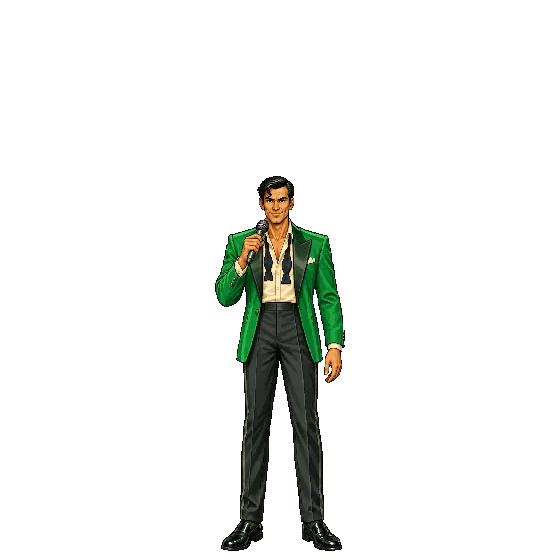
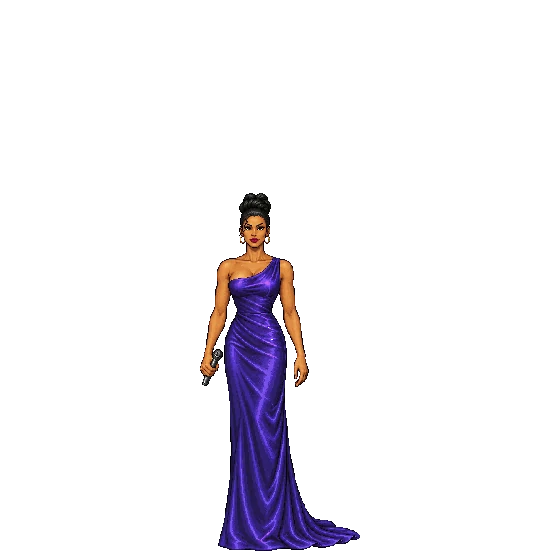
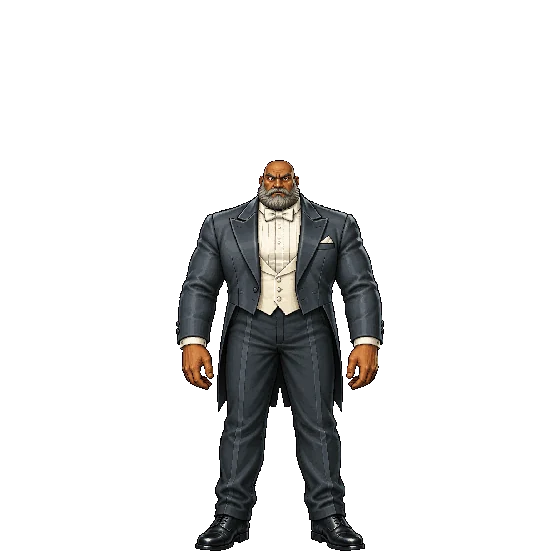
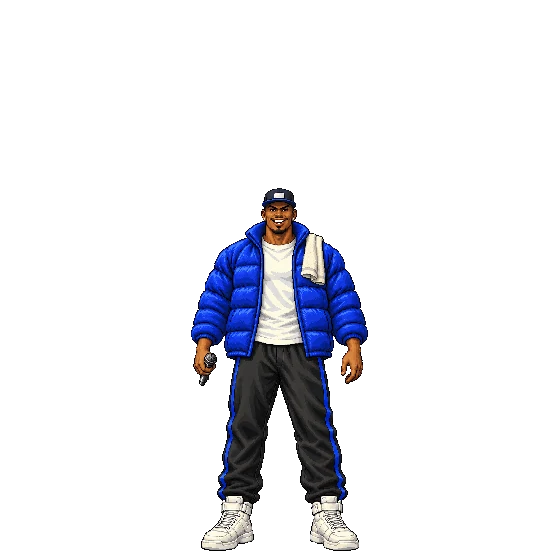
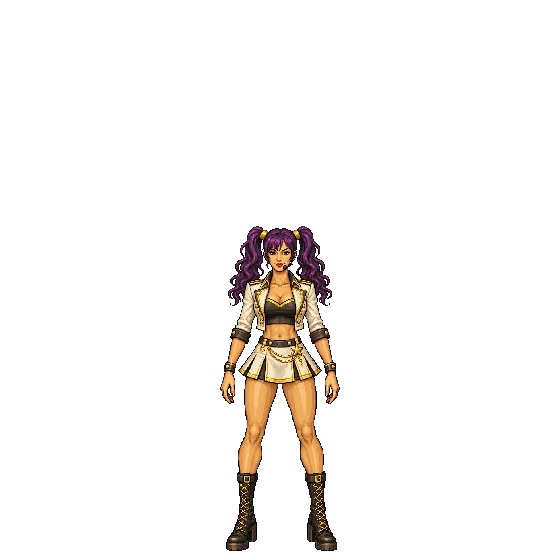
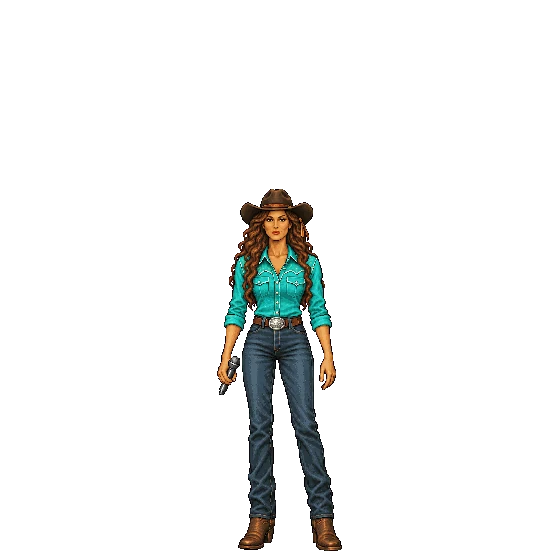
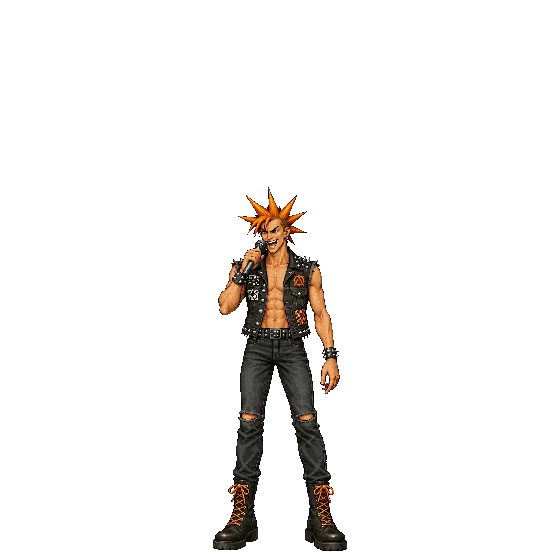
One turn, two singers, and each of them picks the other’s song. It runs on the TV as an arcade cabinet: fighters, a VS slam, two-minute rounds and a verdict. See Battle.
Create your own fighters with CharacterAssetGenerator.
Microphones are not required since the player itself only outputs music - this allows your audio setup to be as simple or complex as you like. See the F.A.Q. for more information.
KaraokeArcade is a fork of Karaoke Eternal, and tracks it for the media, scanning and server side. Where it differs is what the night feels like for the people in the room.
| KaraokeArcade | Karaoke Eternal | |
|---|---|---|
| Queue from your phone | Yes | Yes |
| MP3+G, MP4, visualizer | Yes | Yes |
| QR-code joining, guest accounts | Yes | Yes |
| Fair round-robin rotation | Yes | Yes |
| Reorder your own songs | Drag them on your Me tab | Host only |
| See how long until your turn | Counts down in the header | Guess from the list |
| Step away without losing your spot | Pause and resume | Remove and re-queue |
| Between songs | Intermission names the next singer | Songs run back-to-back |
| Music trivia rounds | Built in, takes its own turn | — |
| Head-to-head singer battles | Built in, with fighters and a room vote | — |
| Make your own fighters | A written brief becomes sprite sheets, via an AI pipeline | — |
| What you’ve sung | Kept per singer, across parties | — |
| Change key | ±6 semitones, same tempo, remembered next time you queue it | — |
| Look and feel | DECK — dark, mixing-desk | The original Karaoke Eternal UI |
| Self-hosted, ad-free, no telemetry | Yes | Yes |
Both are free and ISC-licensed. If you want the original’s simplicity, it’s an excellent piece of software and you should use it.
KaraokeArcade has three parts. See Getting Started to get up and running step-by-step, or jump to the documentation for each part below:
There are several installation methods available for KaraokeArcade Server.
For bugs and requests specific to KaraokeArcade, open an issue. For general karaoke-system support and development chat, there’s the Karaoke Eternal Discord Server, home of the project KaraokeArcade is forked from.
Contributions are welcome - please open an issue before starting on anything major, since the project’s scope is deliberately narrow.
You’ll need Node.js v24 or later and Bun v1.2 or later:
bun installnpm run dev, then look for “Web server running at” for the server URLOther useful scripts: npm test (vitest), npm run lint, npm run typecheck, and npm run build followed by npm run serve for a production run.
©2026 Matthew Antone · Source on GitHub